
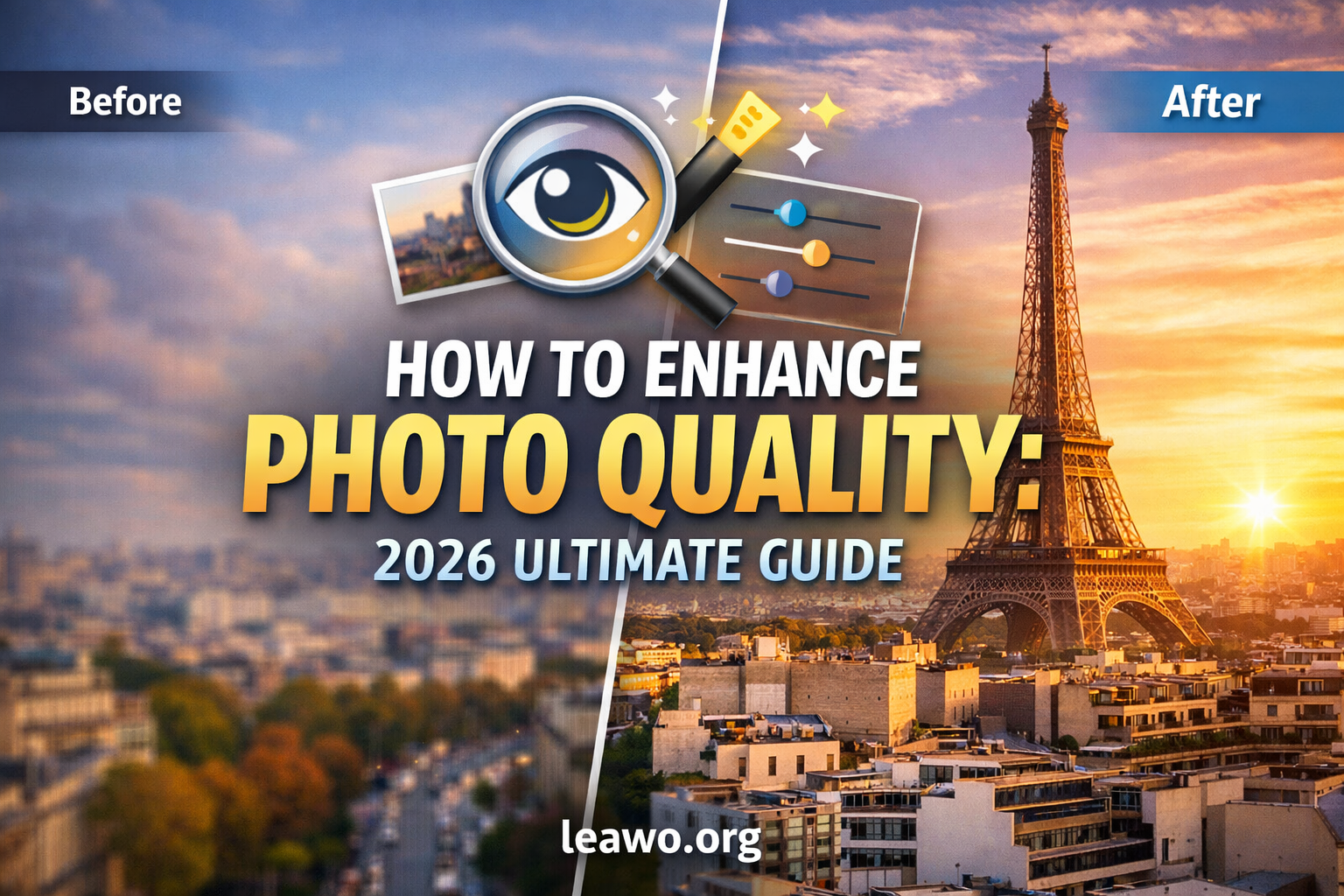
Have you ever taken a great photo, only to find it looks blurry or dull? You are not alone. Bad lighting, low resolution, and heavy compression can all damage photo quality. The good news is that you can fix this easily.
In this guide, you will learn how to enhance photo quality using different methods. Whether you want a free solution or a professional tool, we have you covered. Let us get started.
Common Reasons Photos Lose Quality
Before you fix a photo, it helps to understand why it looks bad. Here are the most common reasons:
- Low camera resolution or sensor quality
- Poor lighting conditions when shooting
- Heavy image compression, especially in JPEG format
- Camera shake or subject movement causing blur
- Old or damaged photos with faded colors and grain
Once you know the cause, you can choose the right method to improve your image.
Method 1: Enhance Photo Quality Using AI Tools
AI tools are the fastest and easiest way to improve photo quality. They use smart algorithms to fix noise, blur, and low resolution automatically.
One of the best options available today is an AI photo editor that uses deep learning to restore fine details. It can upscale images without making them look pixelated.
Here is how AI photo enhancement works:
- Upload your photo to the AI tool
- The tool analyzes pixels and detects problem areas
- It rebuilds sharp edges, colors, and textures automatically
- You download a high-quality version in just seconds
AI tools are ideal for portraits, old photos, and product images. They save time and deliver impressive results even for beginners.
Method 2: Improve Photo Quality in Photoshop
Adobe Photoshop is one of the most powerful tools for photo editing. It gives you full control over every detail of your image.
Follow these steps to improve photo quality in Photoshop:
- Open your photo in Photoshop
- Go to Image > Adjustments > Brightness/Contrast to fix exposure
- Use the Sharpen filter under Filters > Sharpen to reduce blur
- Apply noise reduction via Filter > Noise > Reduce Noise
- Use Camera Raw for advanced color correction
- Export as PNG for the best quality output
Photoshop takes some time to learn. But once you know the basics, you can fix almost any photo problem. It is best for users who need professional-level results.
Method 3: Enhance Photo Quality for Free
You do not need to spend money to improve your photos. There are many free tools available online and on your phone.
Some popular free options include:
- GIMP: A free desktop editor with powerful enhancement tools
- Snapseed: A free mobile app with one-tap fixes and manual controls
- Canva: Easy-to-use online tool with filters and basic editing features
For the best free AI-powered results, try Leawo Photo Enhancer. It uses AI to upscale and restore photos without any cost. Just upload your image and let the tool do the hard work.
Free tools are great for casual users. They work well for social media photos, personal albums, and everyday snapshots.
How to Enhance Photo Quality Without Losing Detail
The biggest challenge when editing photos is keeping the details sharp. Aggressive editing can make photos look unnatural or over-processed.
Here are some simple tips to keep your photos looking natural:
- Always work with the original file, not a compressed copy
- Use small adjustments and avoid overdoing filters
- Save final files in PNG or TIFF format to preserve quality
- Use AI upscaling instead of manual resizing for better detail
- Edit in layers so you can undo any changes easily
These simple habits will help you get cleaner, sharper results every time you edit.
AI vs Manual Editing: Which Produces Better Results?
Both AI and manual editing have their strengths. The right choice depends on your needs and skill level.
AI editing is fast, beginner-friendly, and great for batch processing. It works well for portraits, low-light shots, and upscaling small images. Manual editing gives you full control and is better for complex retouching and creative projects.
For most users, AI tools offer the best results with the least effort. If you need professional precision, manual editing in Photoshop is the better choice.
The ideal workflow is to use AI tools first, then fine-tune the details manually if needed.
FAQs
Can I enhance photo quality for free? Yes. Tools like GIMP, Snapseed, and Leawo Photo Enhancer let you improve images at no cost.
Does enhancing a photo reduce its quality? Not if done correctly. Use non-destructive editing and save in lossless formats like PNG.
Can AI fix a blurry photo? AI tools can significantly reduce blur and restore sharpness. Results depend on how blurry the original image is.
What is the best format to save enhanced photos? PNG is best for quality. JPEG works fine for sharing online if you use a high-quality setting.
Conclusion
Poor photo quality is a common problem, but it is easy to fix. Whether you use an AI tool, Photoshop, or a free app, you have plenty of options to enhance photo quality and make your images look their best.
For quick and impressive results, try using an AI photo editor. For a completely free solution, Leawo Photo Enhancer is a great place to start.
Start improving your photos today. You will be amazed at the difference a few simple edits can make.
Visit More : widemagazine.co.uk
