
There are dozens of screen recorders out there. Some cost money. Some add watermarks. Some make you install a big desktop app. Bandicam decided to go a different route entirely. They built a free online screen recorder that runs right in your browser — and it is actually good.
No, seriously. We are not talking about some clunky tool that barely works. This thing is clean, fast, and has real features built into it.
Starting Is Dead Simple
You go to freescreenrecorder.com and that is pretty much it. Pick your audio source — system audio, microphone, or both. Toggle the webcam on if you want. Then click Start. Your browser will ask what you want to record. Full screen, a window, or a tab — your choice.
No account. No email. No password. Nothing to install. A few clicks and you are recording.
The Annotation Tool Is Actually Useful
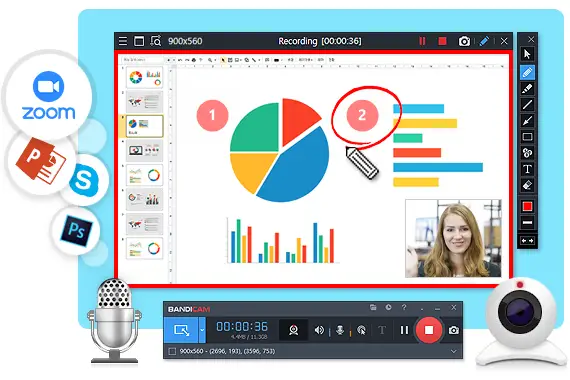
Most browser-based recorders skip annotation entirely. Not this one. You can draw on your screen while recording in real time. Change colors, adjust line width, clear everything with one key. It is designed for people who explain things — teachers, support agents, product managers, developers doing demos.
Drawing: click and drag. Eraser: hold E. Clear all: press C. That is the whole system. Fast to learn, easy to use while talking.
The Webcam Overlay Makes It Personal
A lot of tutorial creators want their face on screen. It builds trust. It makes the content feel human. The webcam overlay in this recorder lets you add yourself to the corner of the video. You can resize it too.
This is the kind of feature you usually see in paid tools. Here it is free.
Audio Flexibility That Actually Works
Chrome and Edge users get full audio recording — system sound and microphone together. Firefox and Safari users get screen recording but limited audio due to how those browsers work, not because of the tool. If you need full audio, use Chrome or Edge. Easy fix.
Mac Users Are Covered Too
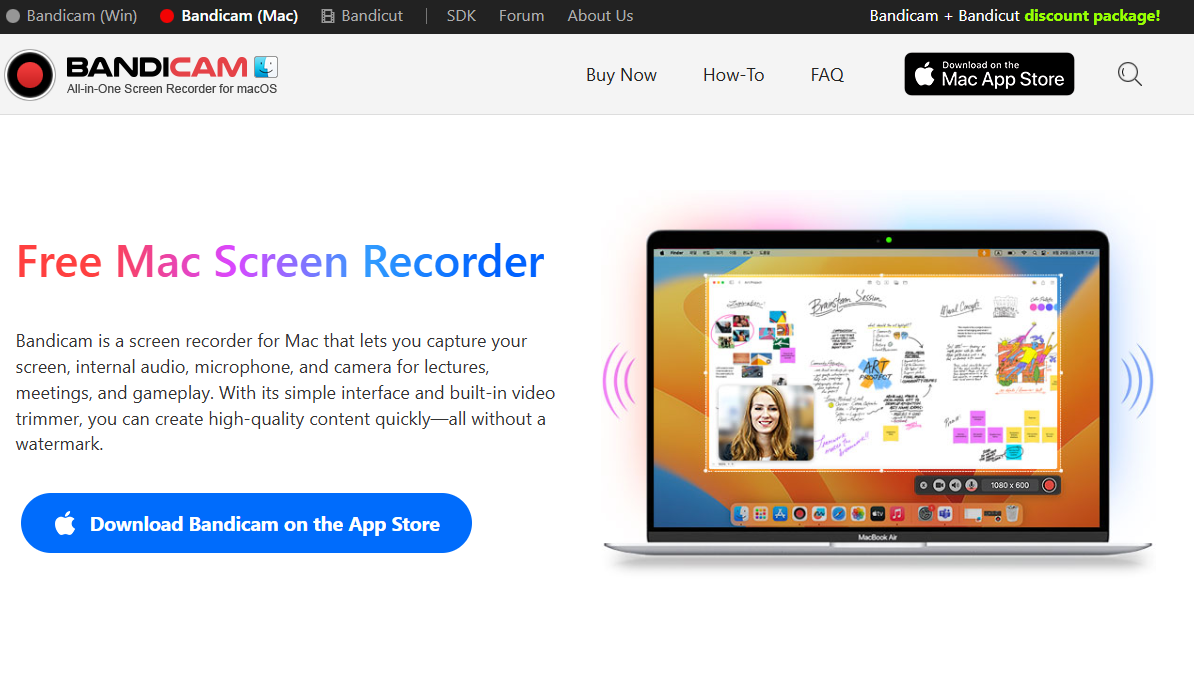
The online recorder works on Mac in Chrome and Edge. But if you want native Mac power, Bandicam also has a dedicated mac screen recorder desktop app that supports up to 5K resolution. That is the highest quality screen recording you can get on a Mac right now.
The Mac version supports system audio, microphone, webcam overlay, mouse click effects, and multi-format export — MOV, MP4, and more.
One More Thing — Zero Watermark
Clean recordings. No branding. No logos. Nothing stamped on your video. What you record is exactly what you get.
That alone puts this tool ahead of most free options on the market. Give it a try at freescreenrecorder.com and see for yourself.
Visit More : widemagazine.co.uk
