
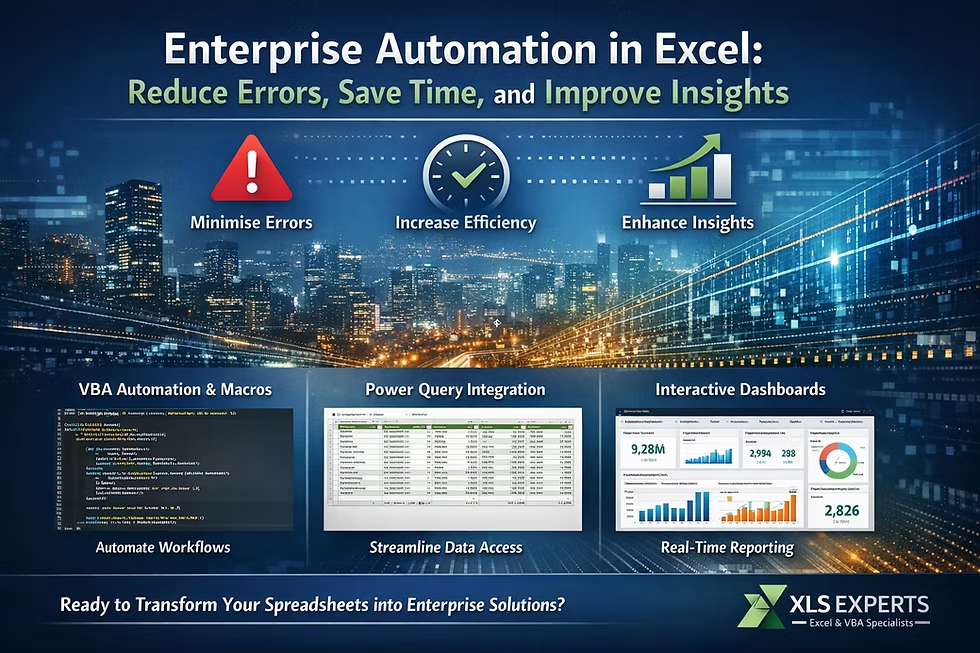
Is your team spending too many hours on repetitive spreadsheet tasks? Many businesses still rely on manual data entry and basic reports. This often leads to errors, delays, and missed opportunities.
Excel automation offers a practical way to solve these common issues. With the right setup, routine work becomes faster and more accurate. Teams gain clearer insight into performance without extra effort.
This guide explains proven strategies that will help improve efficiency, reporting, and data control.
Keep on reading!
Streamline Repetitive Tasks with Macros
With just one click, macros let you automate routine tasks, which cuts down on the amount of work you have to do by hand and the chance of making a mistake. This classic tool has long been used for repetitive tasks such as data cleanup, formatting, and calculations.
Once it is saved, a macro can be used every day without having to be set up again. For simple changes, staff no longer have to follow long lists.
Improve Reporting with Automated Dashboards
Dashboards run by computers pull data from many sheets and present it in clear charts and tables. Decision-makers get up-to-date information without having to wait for reports to be made by hand.
Dashboards that are well-made make things clearer and draw attention to the most important numbers. Conditional formatting can help you spot problems or trends early on. Reports are always correct and up to date thanks to scheduled refresh features.
Strengthen Data Accuracy with Validation Rules
Tools for validating data stop wrong entries before they affect reports. Required fields, drop-down lists, and input limits all help keep records clean.
There are clear rules for how information should be entered, thanks to these controls. In the future, employees spend less time fixing mistakes. Forecasting and planning work better when you have accurate data.
Connect Excel with External Systems
Accounting, CRM, and database software can all send data to Excel automatically. It’s harder to copy and paste between systems.
Using scripts or tools to C# create Excel file with formatted data ensures structured exports that match company standards. Automatic connections line up records from different departments. It speeds up daily tasks so that checks don’t have to be done by hand.
Automate Financial Calculations and Forecasts
Formula-based calculations need to be done over and over again for financial models. Formulas stay the same and don’t get changed by accident when they are automated.
Payroll is another area where businesses handle recurring calculations and time-sensitive records. Employee pay, deductions, and other relevant details need to be processed each pay period accurately, with the required information submitted to HMRC. Businesses that want to reduce the administrative work involved can consider outsourcing these tasks through payroll and HR services. Having experienced support with payroll processing can help keep payments and reporting organised while allowing the team to focus on other operational priorities.
Locked cells in templates make it safe to enter data and stop unauthorized changes. Built-in functions let you quickly figure out totals, margins, and growth projections. Managers can quickly look over predictions and focus on strategy instead of spreadsheets.
Enhance Collaboration with Shared Workbooks
With shared workbooks, teams can work together without having to send multiple files. Tracking changes helps keep an eye on updates and make sure people are responsible.
Unauthorized changes to sensitive data can’t happen when permissions are clear. Adding the cloud keeps files accessible. This set-up encourages teamwork while still keeping things under control.
Transform Your Business Processes With Excel Automation Strategies
Computerizing Excel makes business operations run more smoothly and with more discipline. Companies improve daily processes by cutting down on mundane tasks, making reports better, and making sure data is correct.
Everything stays in order thanks to secure templates, automatic dashboards, and system connections. Plan carefully and keep getting better with these tried-and-true methods.
Using Excel automation correctly can save you time, make you less stressed, and help you make decisions. Companies can see clearly, be in charge, and be efficient in the long run with these strategies.
Browse our blog for more!
Visit More : widemagazine.co.uk
